
SERVICES

A pickup conversation for every kind of upgrade.

Working, obsolete, incomplete and non-working electronics can be discussed. Acceptance and payment depend on type, condition, quantity and pickup arrangements.
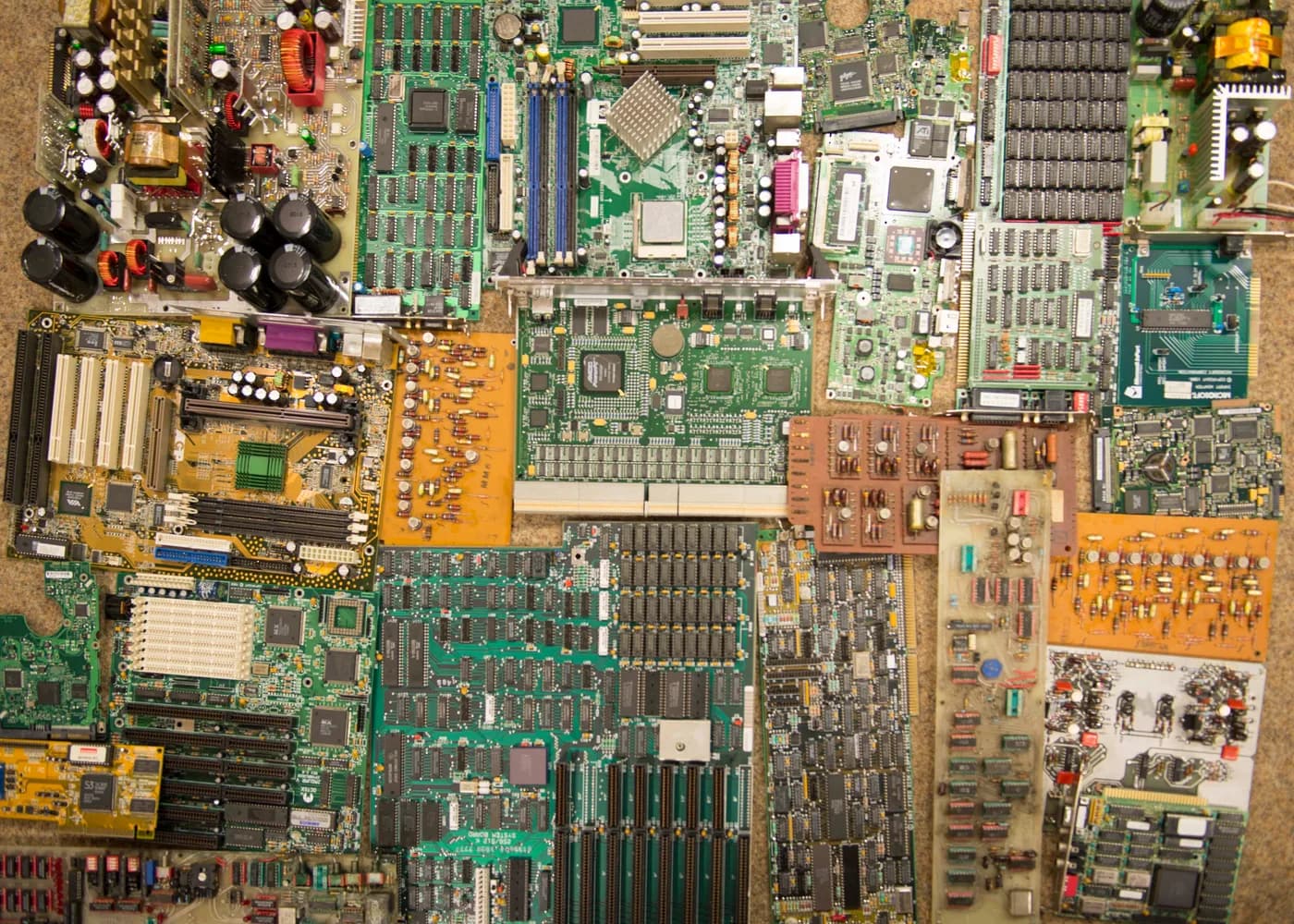
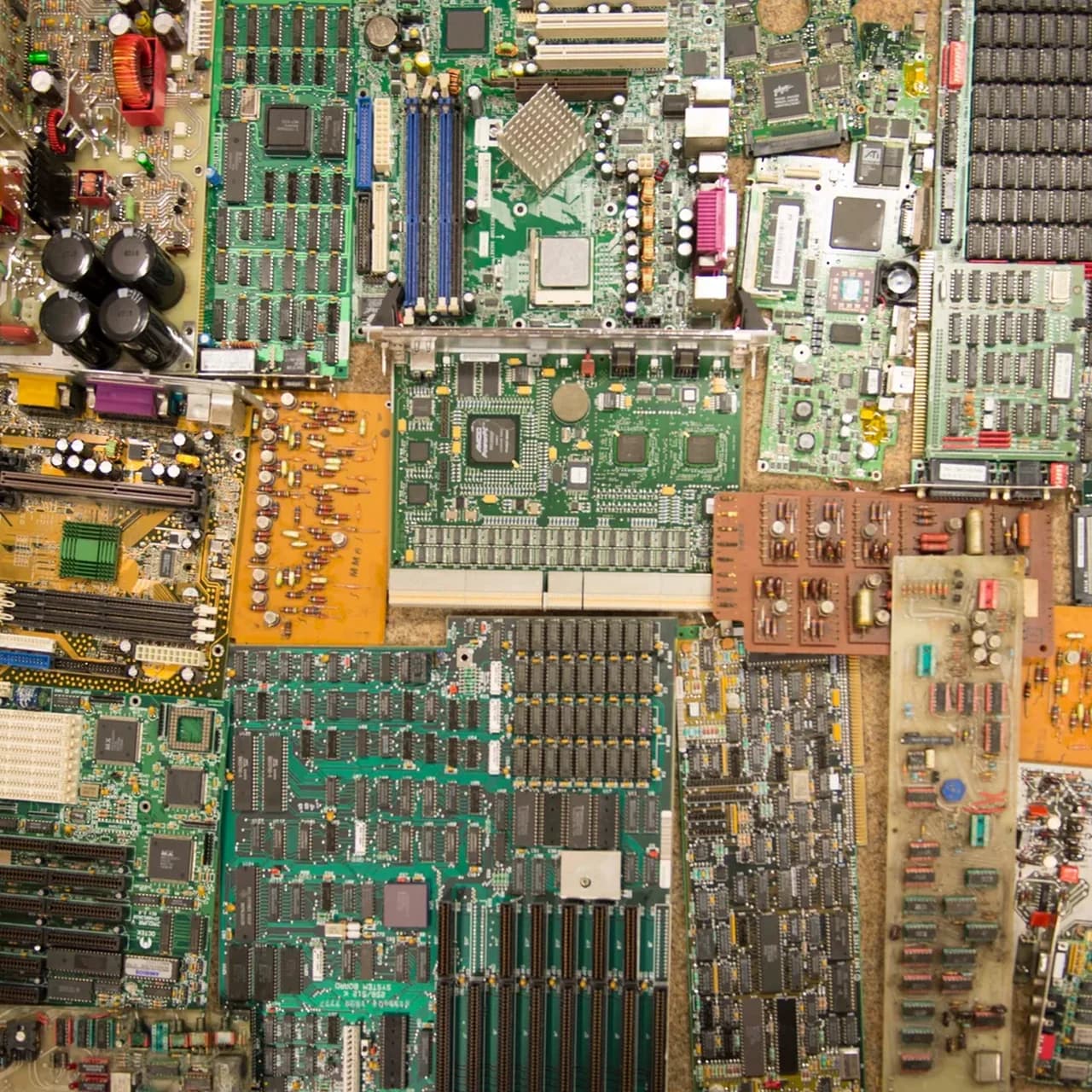
Collection of printed circuit boards arranged for inspection
Printed circuit boards arranged for inspection. Image source ↗
E-WASTE IS MORE THAN PHONES

Eight practical categories.

Send clear photos when a model, condition or device type is unusual. A broad category does not mean every item is automatically accepted.

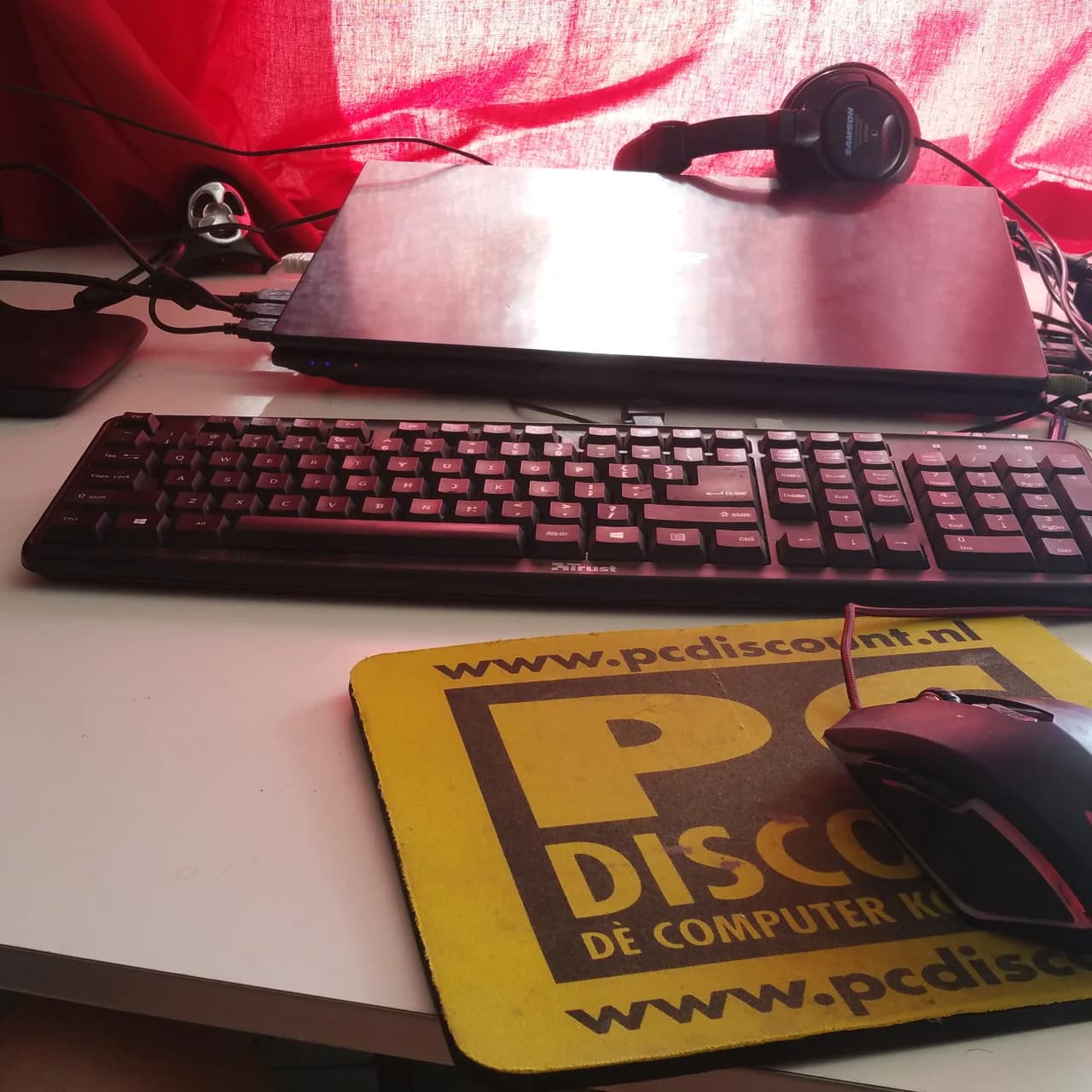
Laptop, compact desktop tower, keyboard and mouse arranged on a white studio surface
01

Laptops & desktops

Computers, CPUs, keyboards and accessories. Include working condition and visible damage in your message.
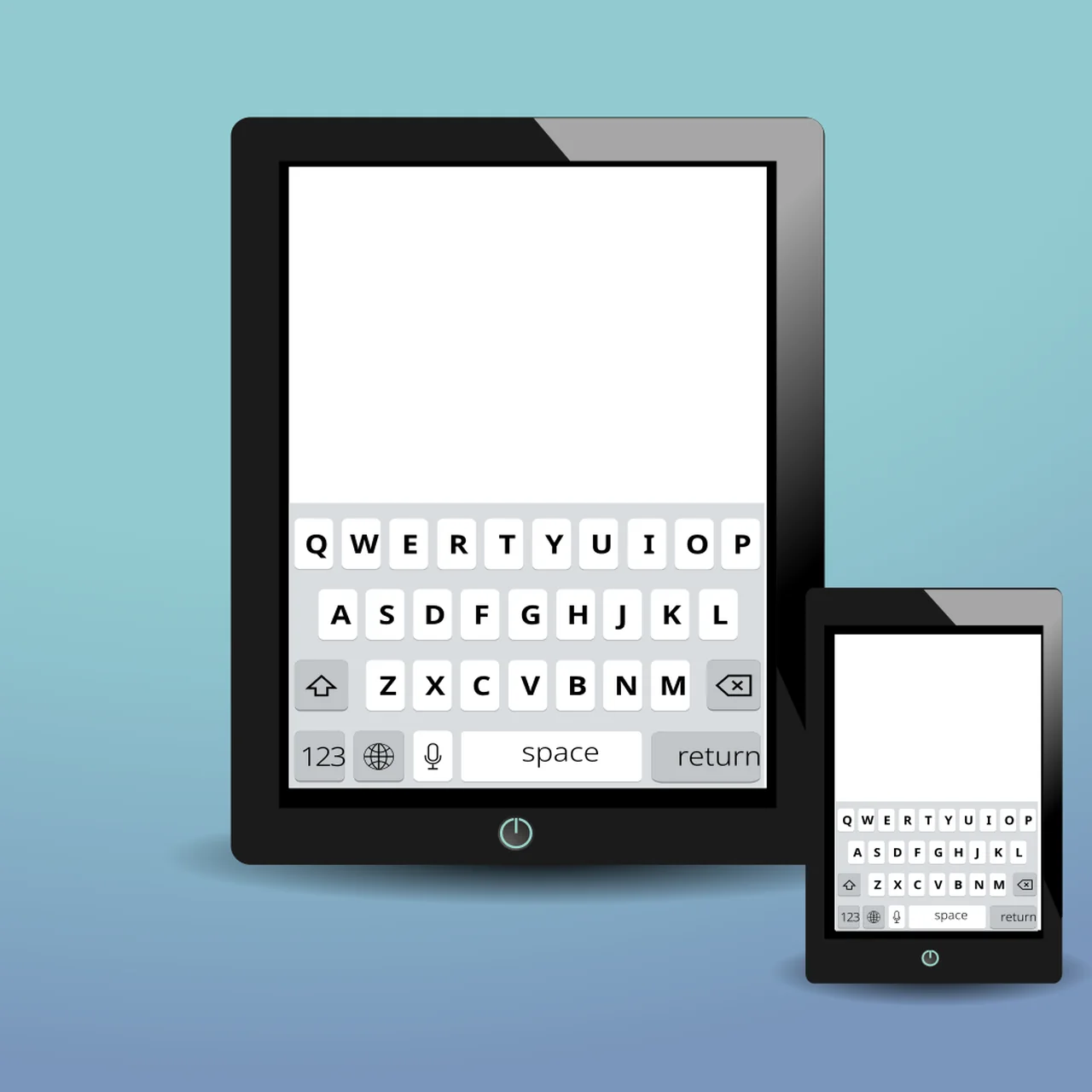
Smartphones, feature phone, tablet and charging cable arranged on a white studio surface
02

Phones & tablets

Smartphones, feature phones and tablets. Include working condition and visible damage in your message.
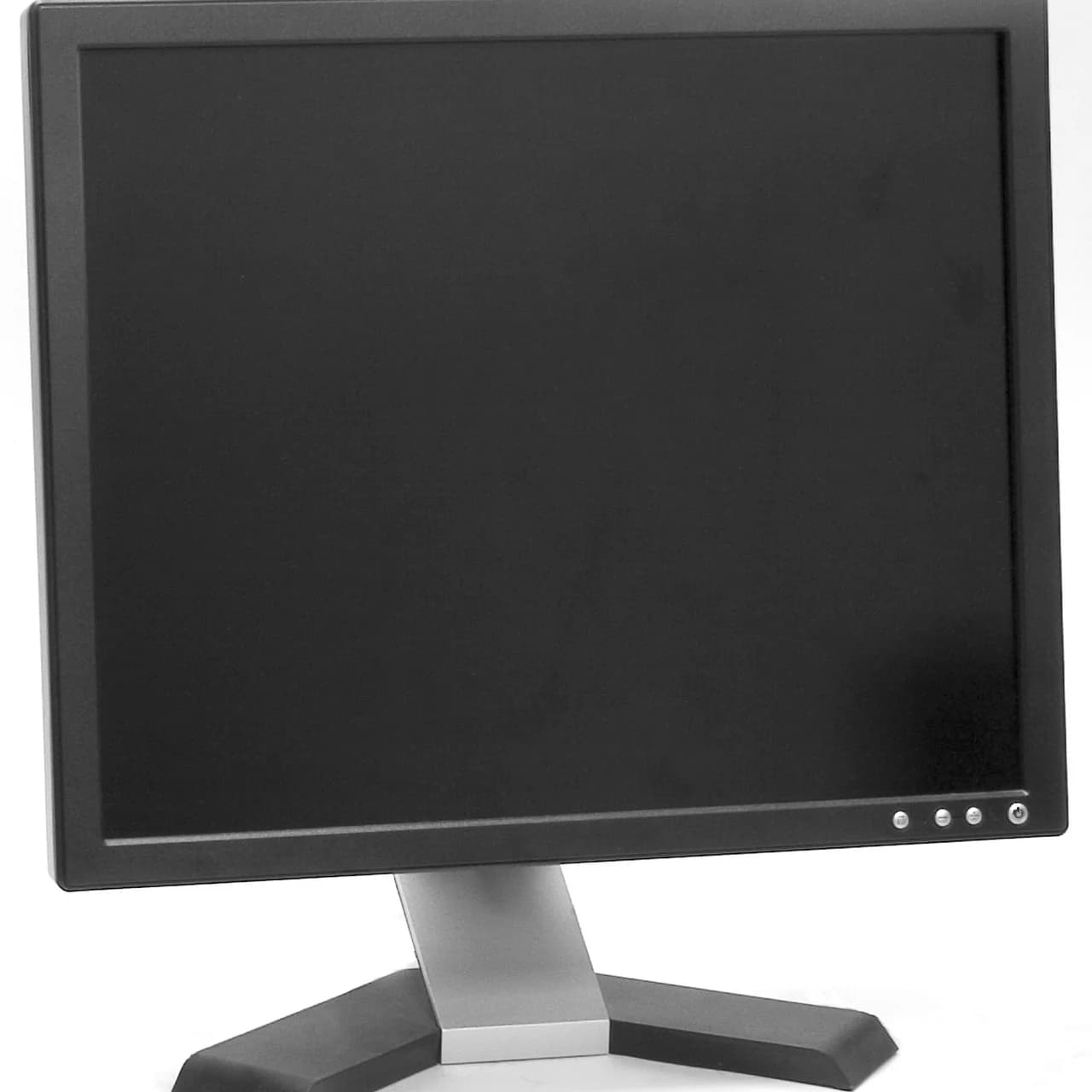
Two slim computer monitors and a display cable arranged on a white studio surface
03

Monitors

LCD, LED displays and computer monitors. Include working condition and visible damage in your message.
Hard drive, solid-state drive, external storage and data cable arranged on a white studio surface
04

Storage drives

Hard drives, SSDs and external storage. Include working condition and visible damage in your message.
Printed circuit boards, processor chips, memory and electronic components arranged for inspection
05

Circuit boards

PCBs, cards, components and processors. Include working condition and visible damage in your message.
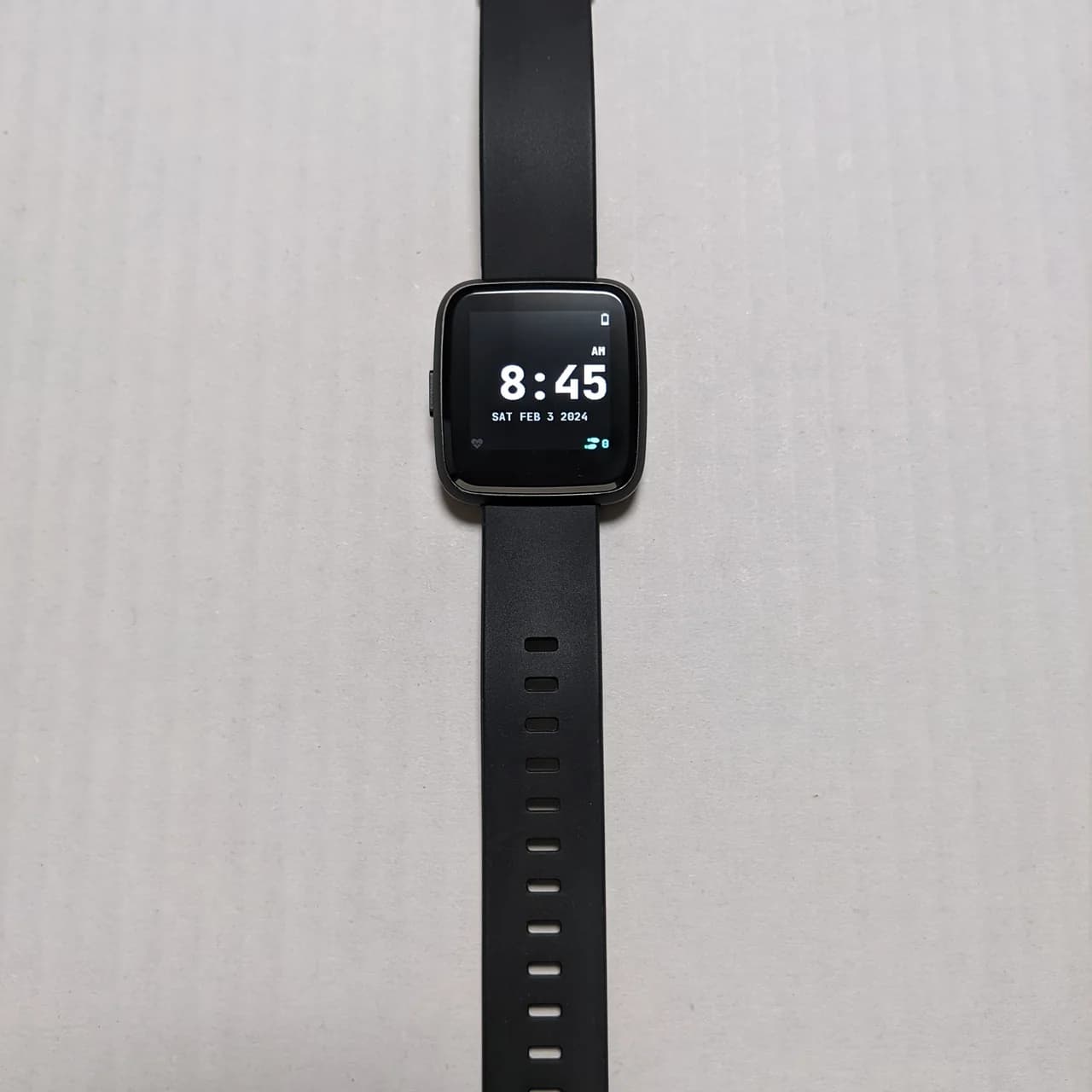
Smartwatch, fitness band and charging accessories arranged on a white studio surface
06

Wearables

Smartwatches, fitness bands and accessories. Include working condition and visible damage in your message.
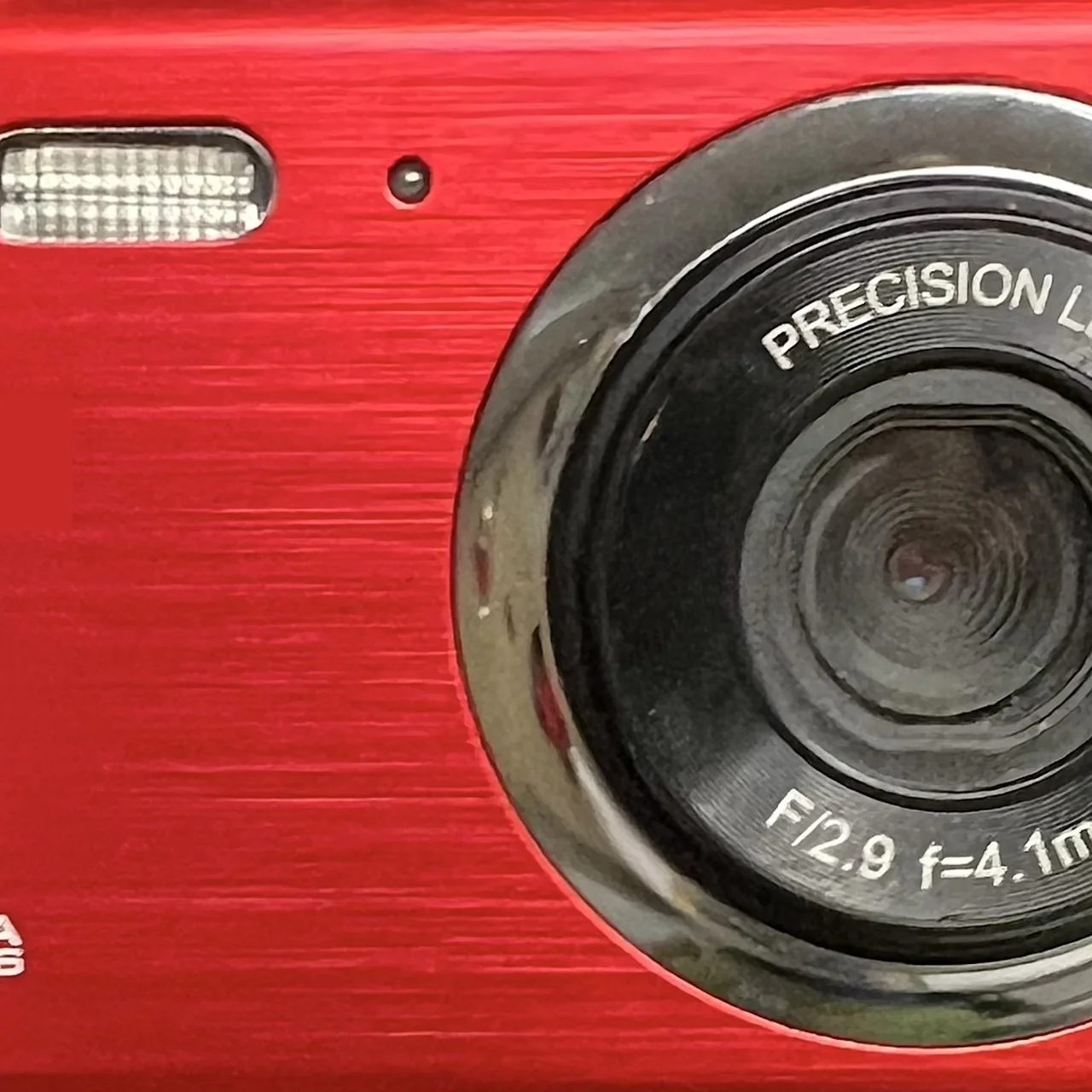
Camera, compact drone, portable speaker and headphones arranged on a white studio surface
07

Cameras & audio

Cameras, drones, speakers and headphones. Include working condition and visible damage in your message.
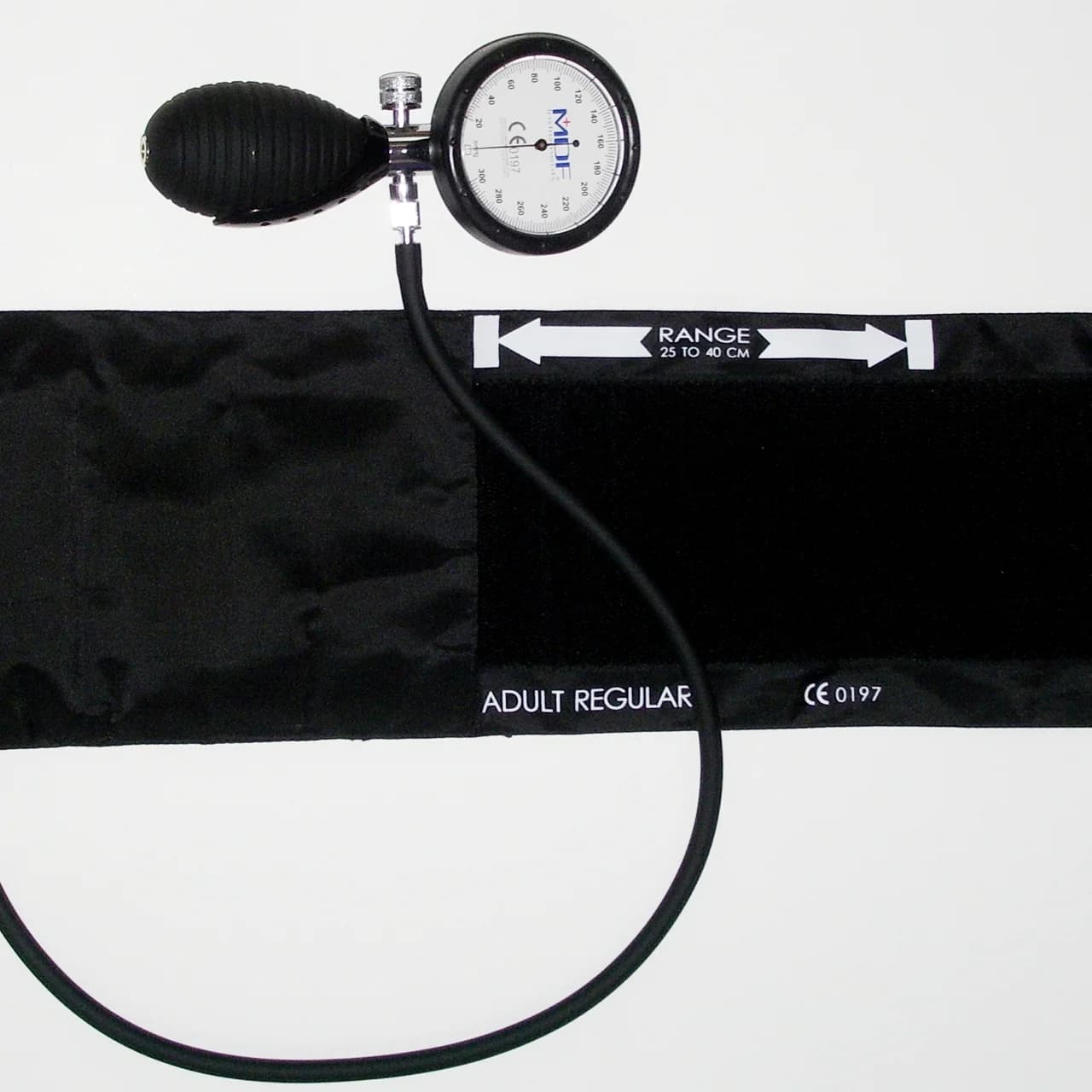
Digital blood-pressure monitor, pulse oximeter and compact patient monitor arranged on a white studio surface
08

Medical electronics

Eligible diagnostic and monitoring devices. Include working condition and visible damage in your message.

HOUSEHOLD COLLECTION

Mixed electronics are easier to assess when prepared together.

  1. 01

    Back up what matters

    Keep the files, photos and records you still need before releasing a device.

  2. 02

    Disconnect accounts

    Sign out, disable activation locks and remove SIM cards and removable memory.

  3. 03

    Use maker guidance

    Follow the device manufacturer's reset or erase procedure for ordinary personal devices.

  4. 04

    Flag visible damage

    Tell us about swelling, leakage, cracked screens, unusual heat or impact damage before pickup.

  5. 05

    Keep devices intact

    Do not burn, crush, puncture or dismantle electronics while preparing them.

BUSINESS COLLECTION

Send a useful inventory before access is scheduled.

  • Equipment type
  • Approximate quantity
  • Asset or serial identifier where useful
  • Working or non-working condition
  • Whether the device contains data
  • Site access or loading notes
CHECK BEFORE PICKUP

Some equipment changes the handling plan.

Message us before moving, packing or combining these items with ordinary electronics.
  • Swollen, leaking or heat-damaged batteries
  • Cracked displays or equipment with visible leakage
  • Unusually large appliances or industrial equipment
  • Medical electronics requiring special handling
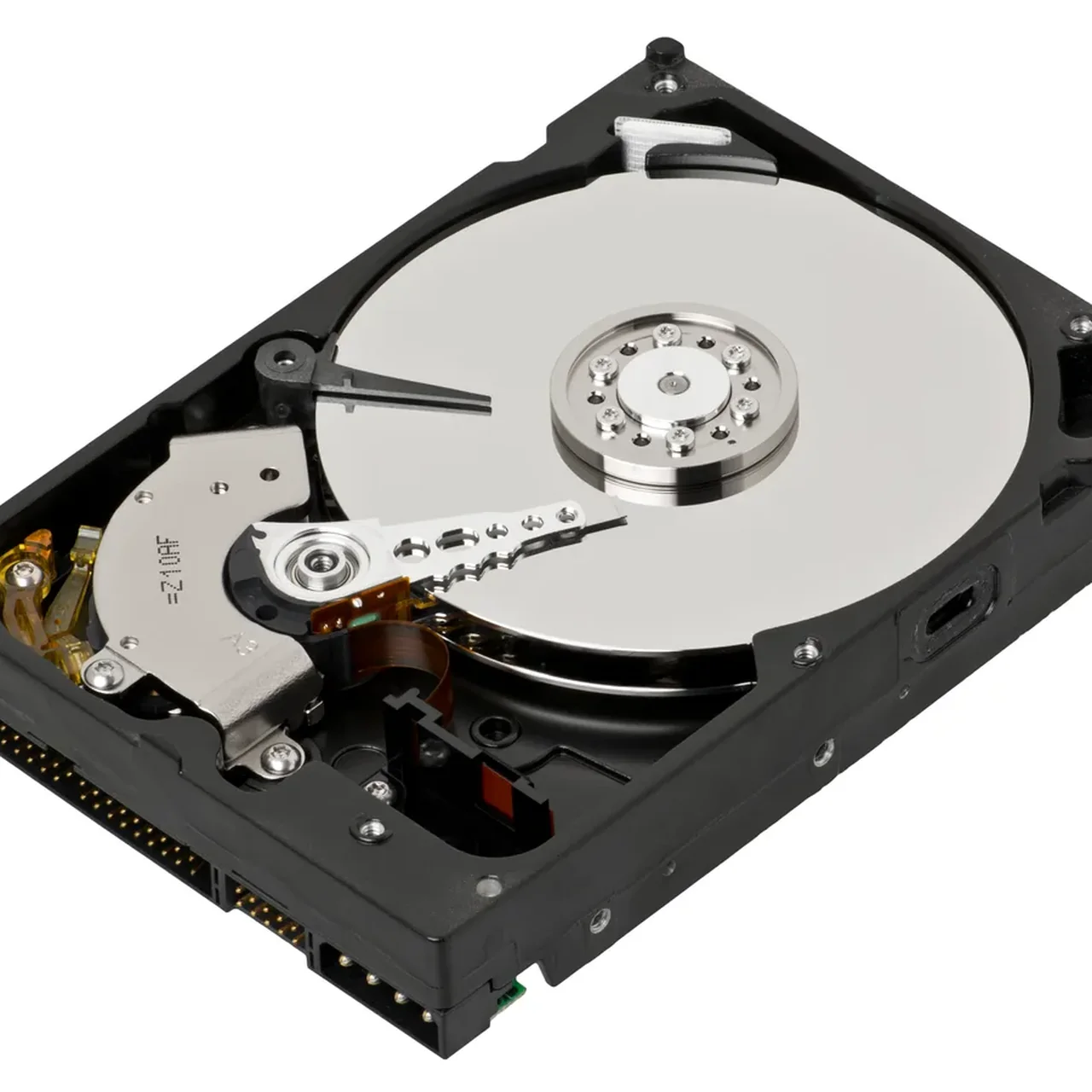
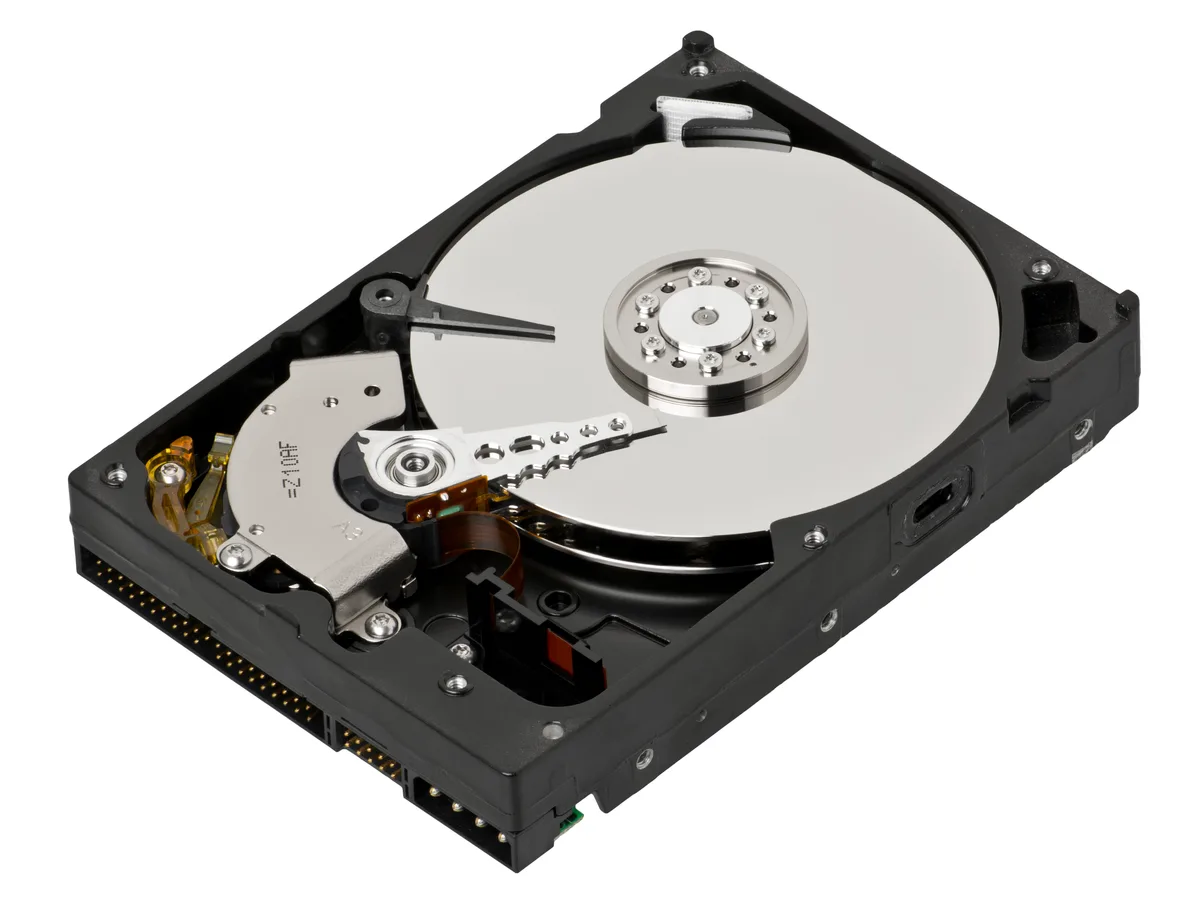
Open desktop hard drive showing the internal platter and read head
An opened hard drive illustrates why storage devices need deliberate data preparation. Image source ↗
ONE-DAY PICKUP

Show us the items before you move them.

Send us your device list. We’ll confirm the pickup details directly.

Start on WhatsApp
Schedule pickup